A desktop video workflow built from a real production challenge
Spectacle grew from Orpheus’s work with Hyperion Research into a browser-based application for preparing, recording, reviewing, captioning, translating, rendering, and sharing presentation video.
Producing simulated-live and live events for Hyperion Research exposed a recurring challenge: presenters needed a simpler way to combine their camera, voice, and presentation material into polished video.
Orpheus designed the desktop web application around the full path from setup to finished video: choose a recording format; combine camera, screen, or slides; apply visual branding; record with a live preview; review; add subtitles or translation; and render or share the result.
The browser-based application became the project’s most complete expression. The codebase also covered multi-presenter recording, a teleprompter, automated rendering, AI-assisted tools, and companion mobile concepts for focused capture and review workflows.
An event-production bottleneck became a desktop product
Hyperion Research’s virtual conferences combined live and simulated-live sessions across time zones. Producing those events revealed how much coordination and technical work sat between a presenter’s slides and a finished video.
Spectacle grew from that delivery context. Orpheus translated the process into a guided desktop workspace that connected recording setup, presentation files, camera and microphone capture, layout choices, review, and output.
The product began before the record button
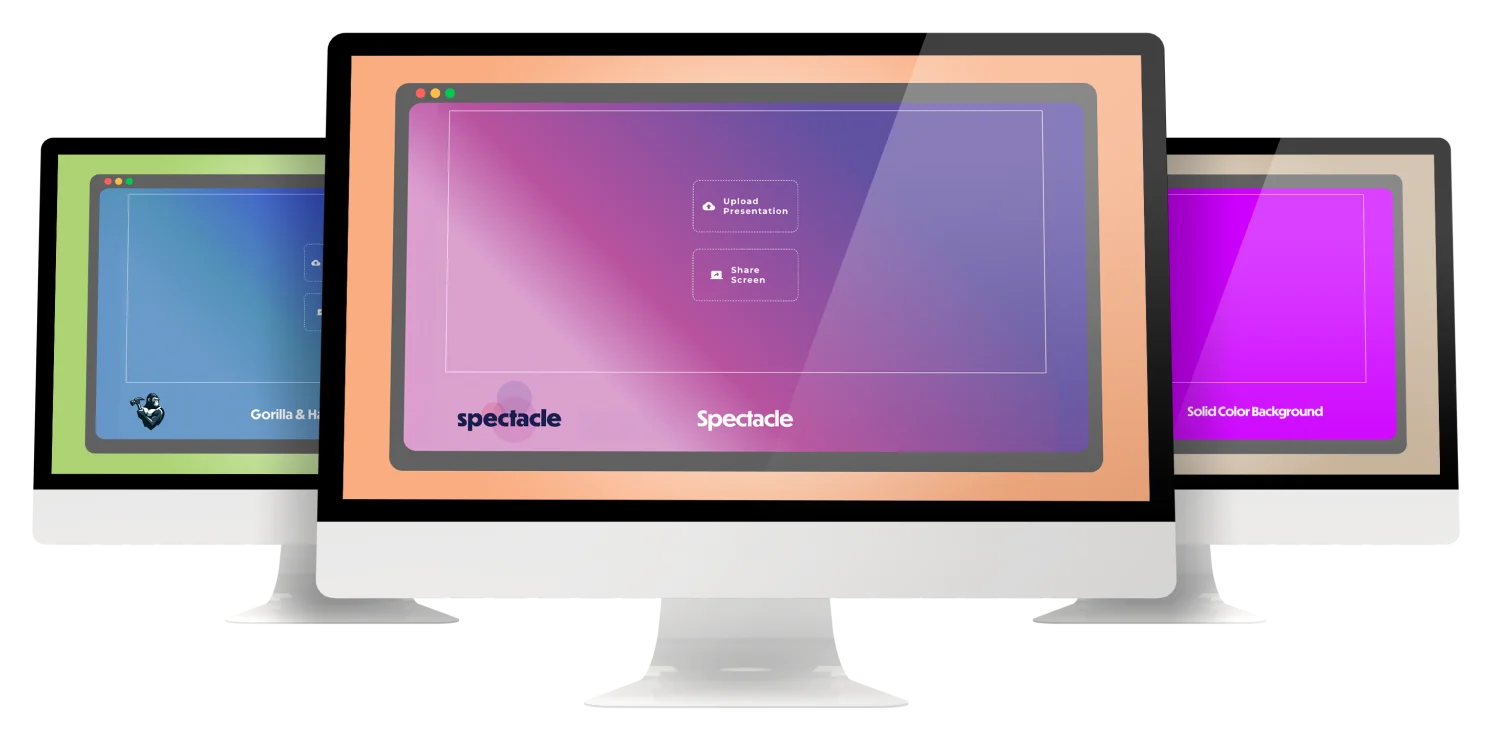
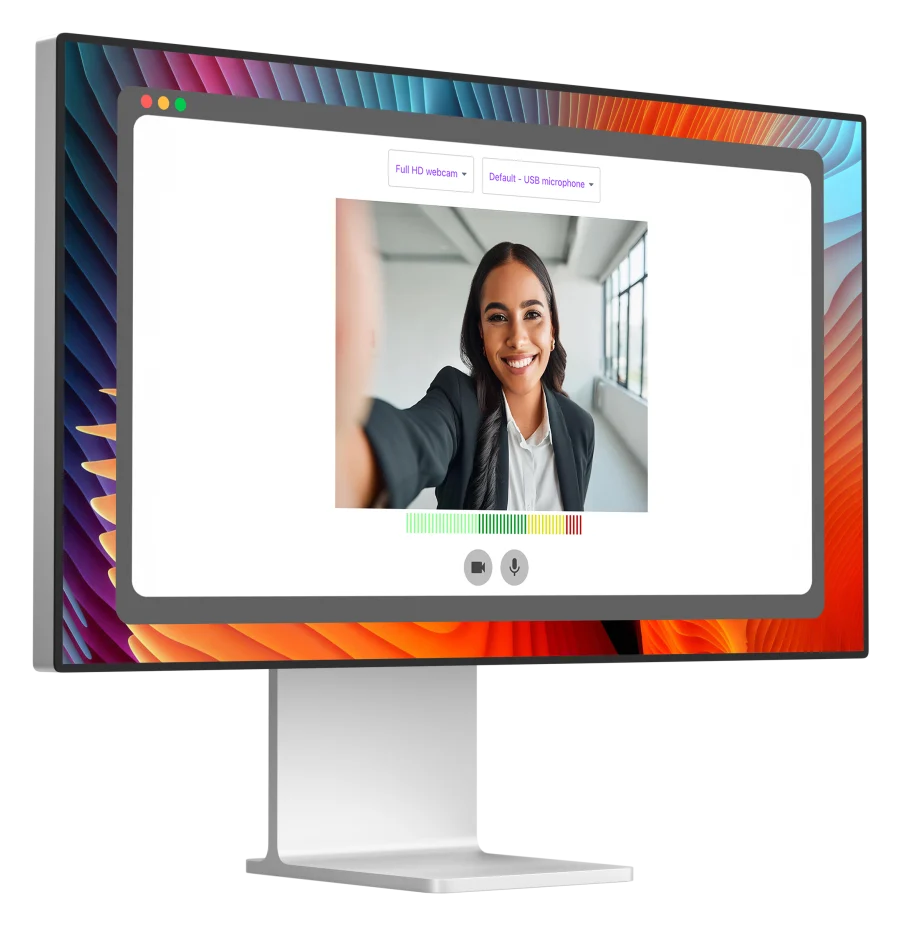
The setup flow helped presenters choose camera and microphone inputs, select a recording type, place the speaker and presentation, and define titles, colors, backgrounds, and logos before capture began.
A live preview made those decisions visible as one branded stage. That reduced the gap between configuring a recording and understanding what the finished composition would look like.
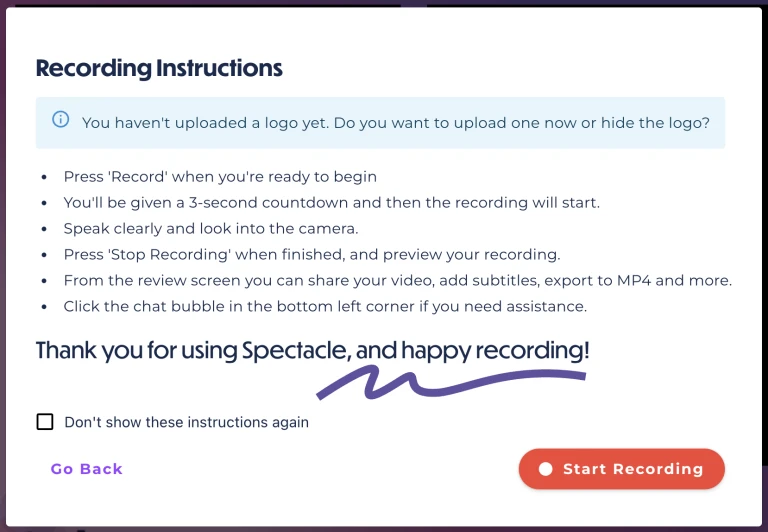
A guided flow carried presenters from setup into recording
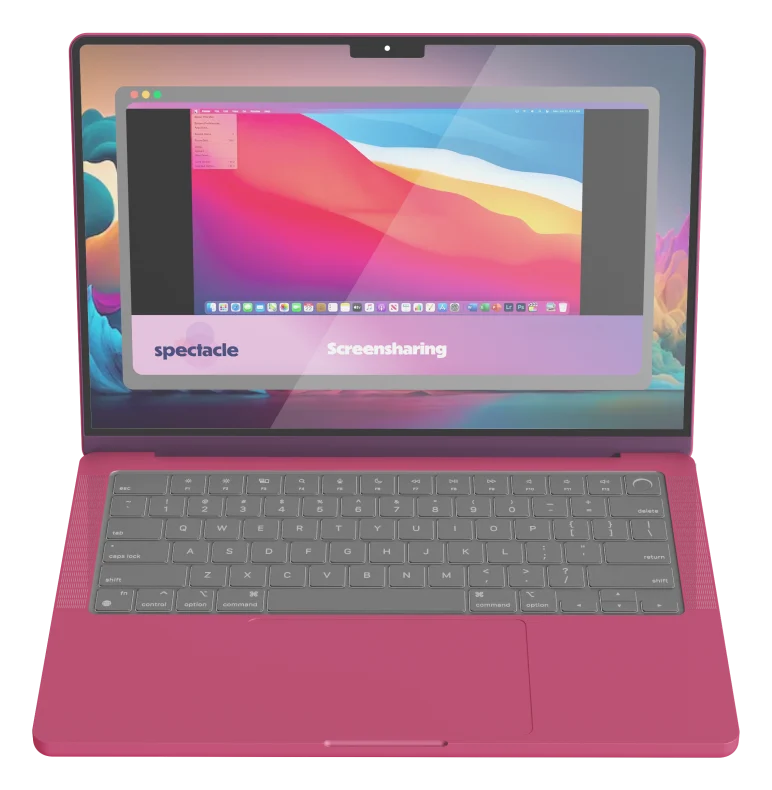
The desktop application supported speaker-only, presentation-only, combined speaker-and-presentation, screen-sharing, and multi-presenter compositions. Presenters could see the selected arrangement while recording instead of handing disconnected source files to a production team.
Behind that interface, a Next.js application, Strapi backend, browser media capture, real-time communication, cloud storage, and container-based video processing worked together as one product system.
The workflow continued after recording stopped
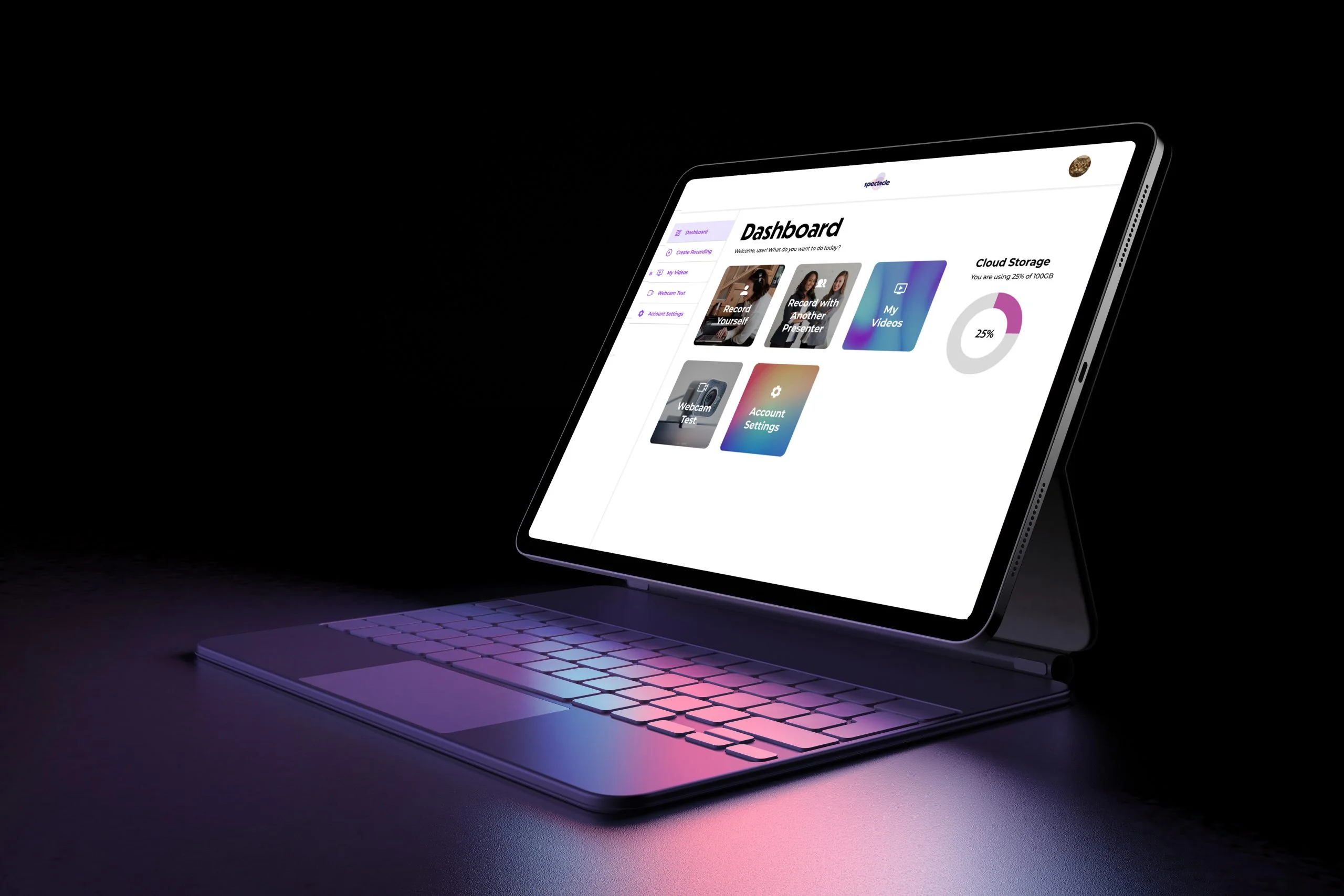
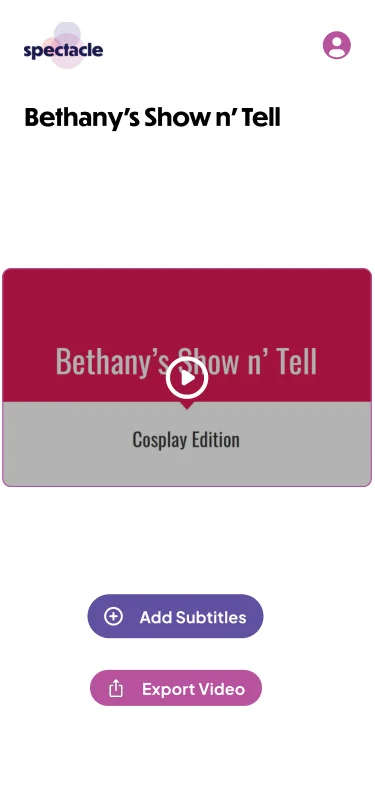
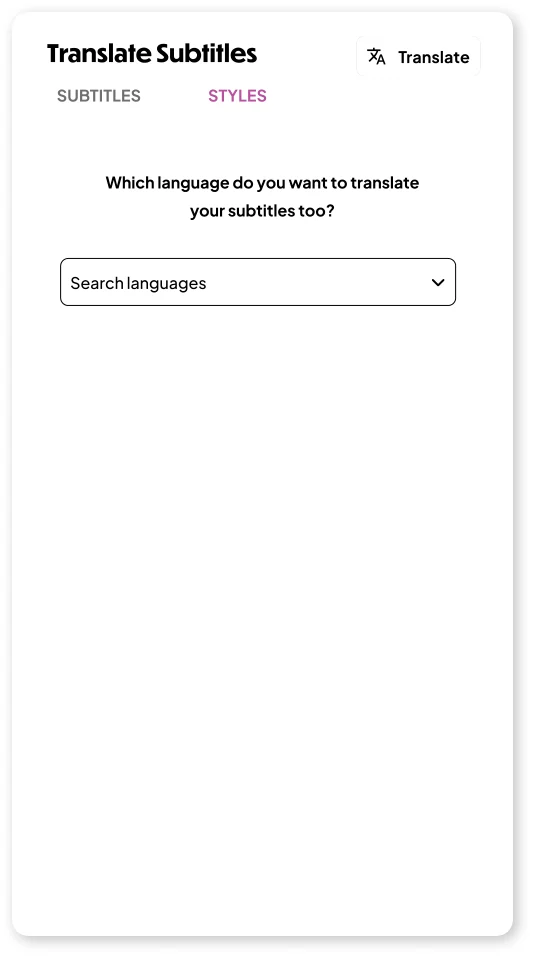
The review experience kept playback, restart and editing actions, export, and output decisions together. Subtitle generation, editing, styling, and translation expanded the same workflow for clearer and more accessible presentation video.
A rendering pipeline combined the recorded sources, selected layout, and brand treatment into a finished file for sharing. The result demonstrated Orpheus’s ability to carry a complex idea from service insight through product design and engineering.
Mobile concepts focused the core workflow
Companion mobile concepts explored focused recording, upload, review, subtitle, and translation flows. They extended the product thinking while the browser-based application remained the most complete expression of the project.

What the project brought together
Presentation capture
Combined slides, screen sharing, camera, and microphone input in guided recording flows.
Flexible layouts
Supported speaker, presentation, combined, and multi-presenter compositions.
Brand controls
Applied logos, colors, type, backgrounds, and reusable visual layouts to video.
Subtitles and translation
Generated, edited, styled, and translated captions for clearer and more accessible output.
Rendering pipeline
Processed recorded sources and layout choices into finished, shareable video files.
Desktop platform
Connected a browser-based production workflow with focused companion mobile concepts.
Let's build something
worth shipping.
A short conversation about your goals, what's in the way, whether Orpheus is a fit, and a sensible next step.